Table of contents
Open Table of contents
Article body
- When Maven downloads dependencies specified in a POM from a remote repository, network problems or other issues can cause the download to fail. These failed JAR downloads leave cached files in the local Maven repository with a latsupdated suffix. If you do not clean them up, the corresponding JARs may remain unavailable even when your POM shows no errors. Maven clears this cache periodically, so unless you clean it manually, Maven will continue using these cached entries until that interval expires. Use find to locate the files.
Command format: find path files-to-find action-to-perform-after-finding-them.
Example: find .m2/repository -name “*lastUpdated*” | xargs rm -rf
Explanation: find files under .m2/repository whose names match lastUpdated, then delete them. Here, xargs specifies the action to perform on the results. You can also use -exec
instead.
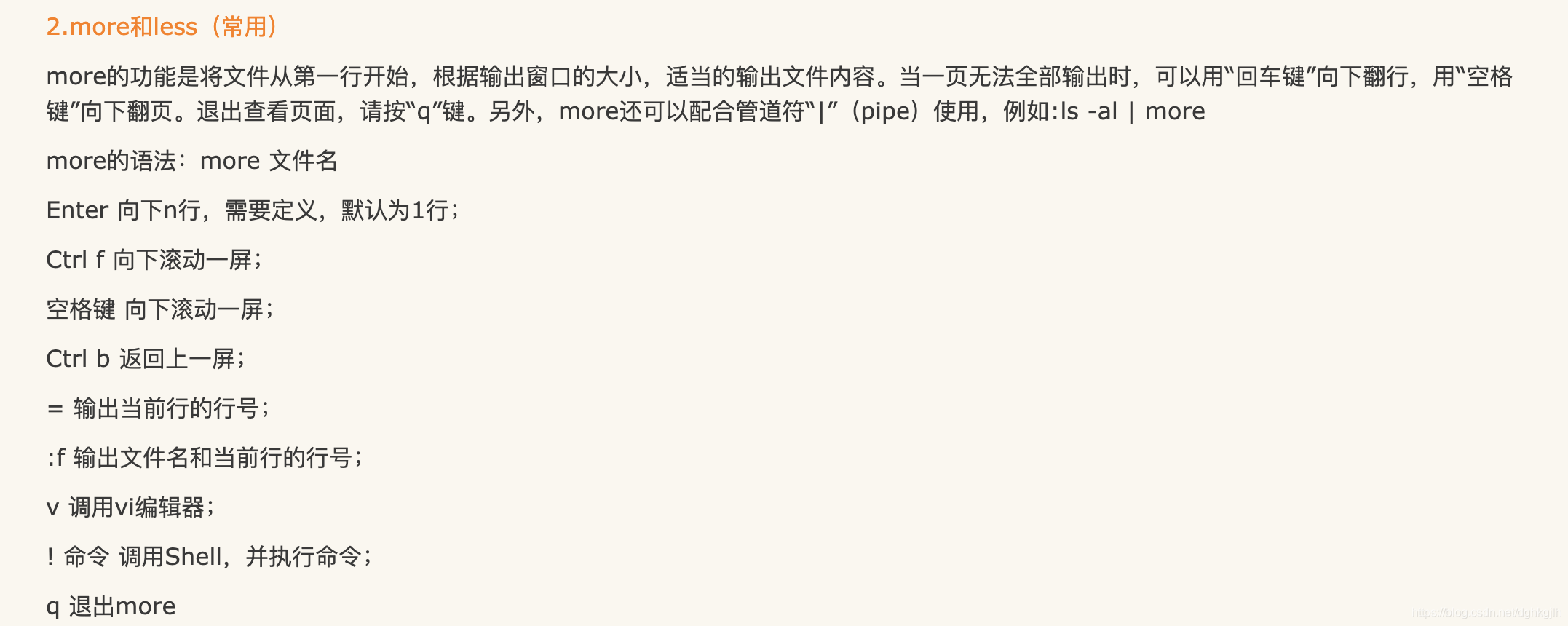
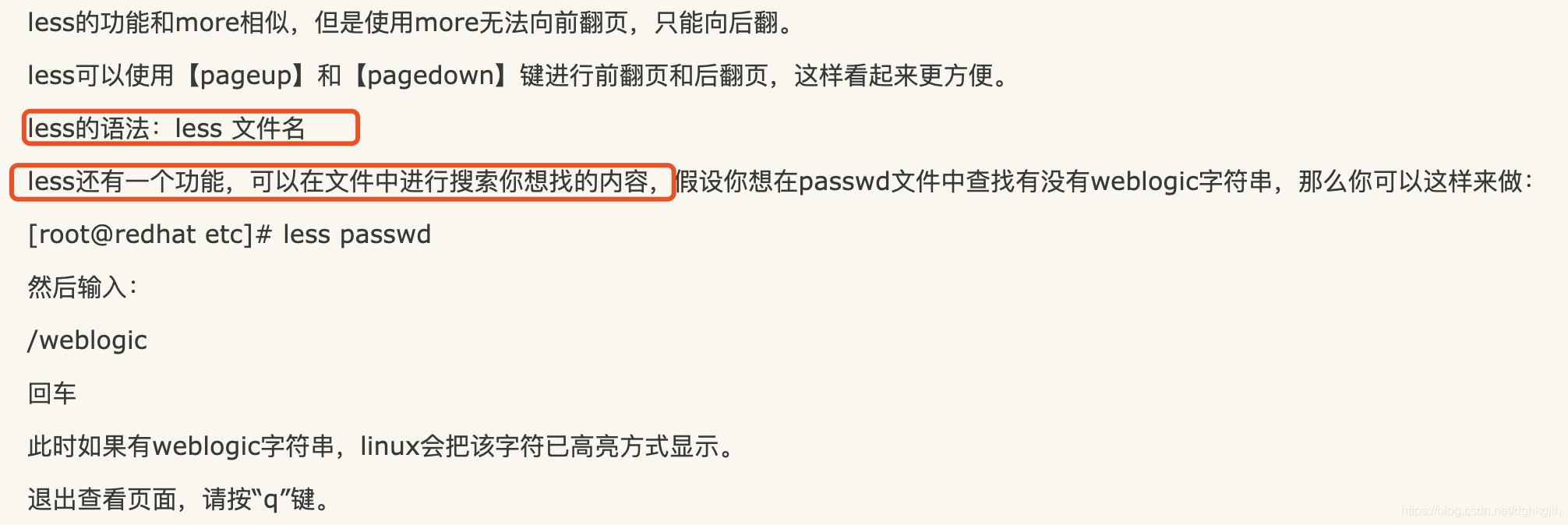
Here are two screenshots.
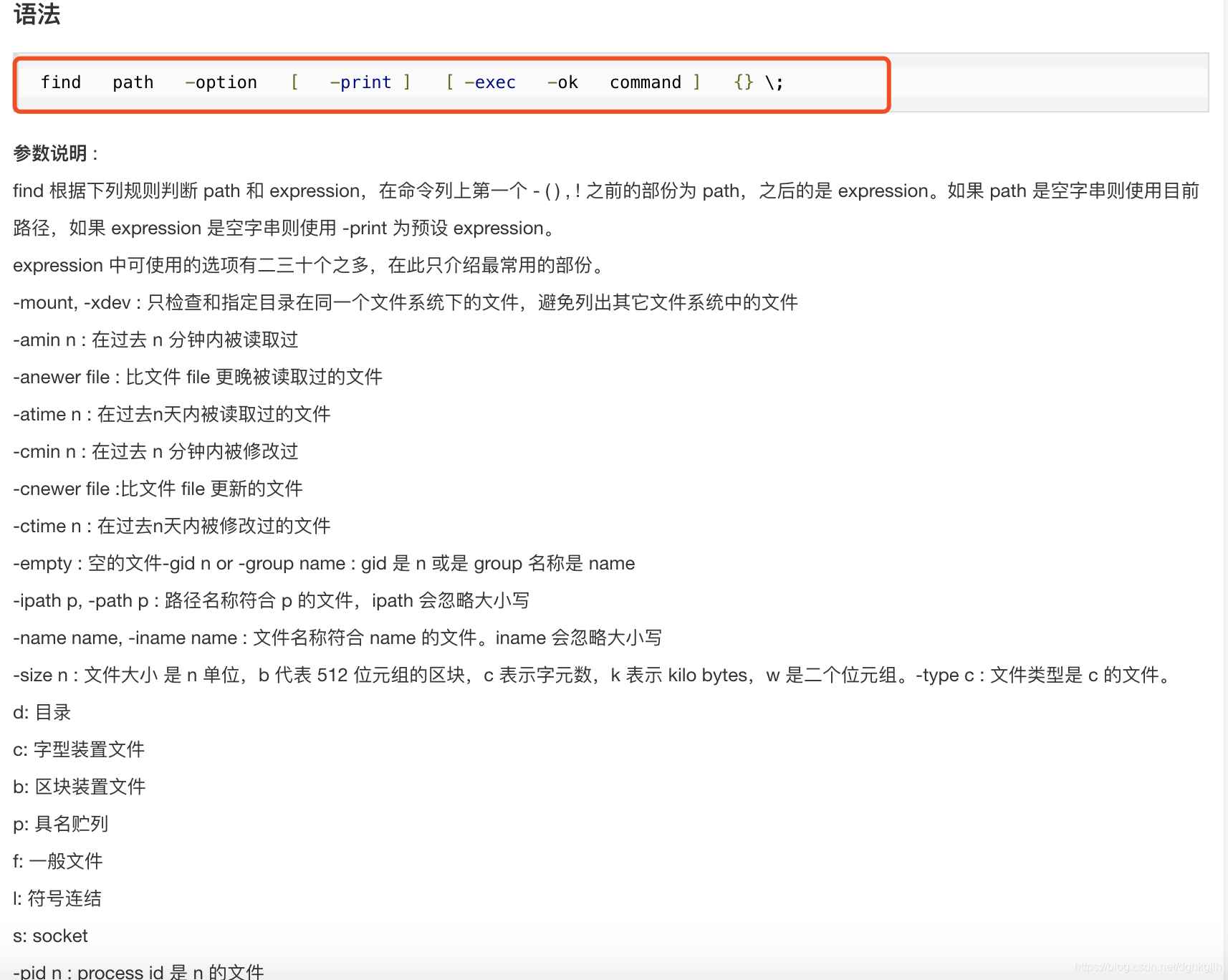

For more examples, see the Runoob tutorial.
- For viewing file contents on Linux, cat is probably the most commonly mentioned command online. However, when a file contains a lot of text, you cannot see all of it on the screen at once. If the file is large and has many lines, only part of its contents will fit on the screen.
I recommend less file instead. For more details, see this blog post.