Table of contents
Open Table of contents
Article body
While reading SQL today, I came across EXISTS. When I first used it, I only knew that it served a similar purpose to IN: matching a condition against data from a subquery. Today I decided to understand the distinction. After looking it up, I learned more about their differences, including performance considerations, which surprised me.
Updated 2018-11-08:
The issue: after gaining a rough understanding of IN and EXISTS, I thought NOT IN would be suitable when the subquery returned little data. I overlooked an important detail, though: my subquery actually returned a large result set.
Important note: in Oracle, the number of values supplied to NOT IN cannot exceed 1,000, or SQL execution fails. So, friends, use EXISTS instead—a lesson learned the hard way.
I also learned more about how NULL affects IN and NOT IN subqueries.

Keep this in mind during development:
When filtering a field with a “not equal” condition, first determine whether the query should include NULL values.
Let’s start with EXISTS. It produces a Boolean result, and Oracle uses that true or false result to decide whether to retain a row. If true, the row is kept; if false, it is excluded.
With EXISTS, the main query—the part before EXISTS—is executed first. For example:
select t.name,t.sex from A t where t.dr = 0 and exists (select B.id from B where B.pk = B.pk);
PS: The query inside EXISTS must be correlated with the outer table for the intended filtering to work.
After obtaining the main query’s result set, the statement following EXISTS is evaluated for each row. Rows with a true result are kept, and those with a false result are excluded. The resulting set is returned.
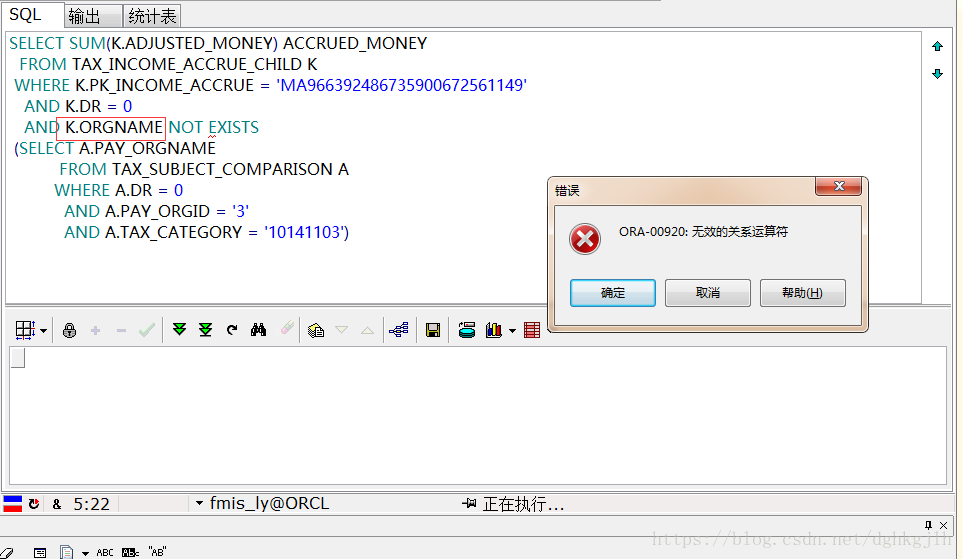
Note: you cannot put a field name directly before EXISTS as you would with IN; doing so produces an invalid relational operator error, as shown below.
Updated 2018-10-19: another reminder about writing the SQL inside EXISTS.
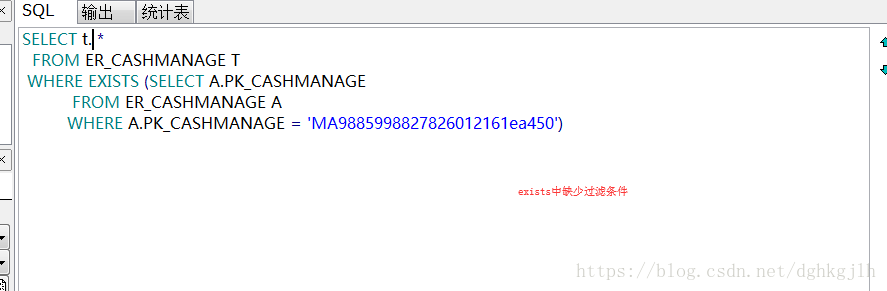
The form shown above does not perform the intended filtering. EXISTS must include a condition correlating the subquery with the outer table. The intended form is shown below.
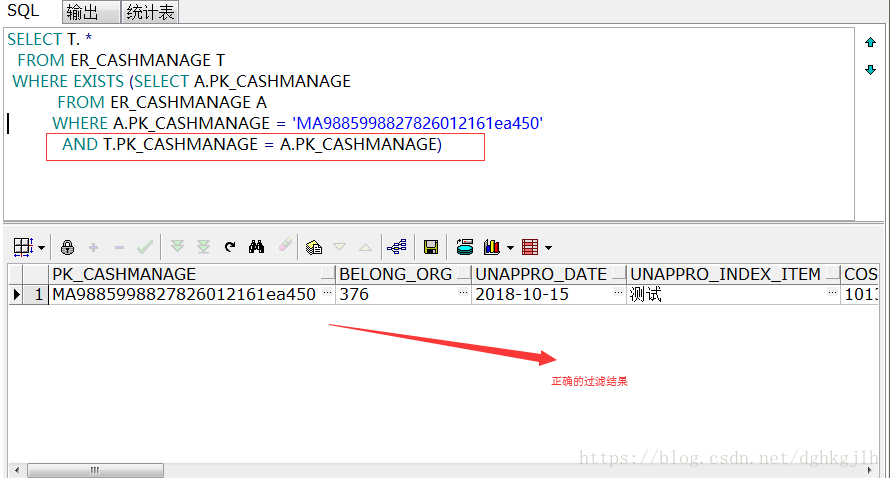
Perhaps I still haven’t fully understood how to use EXISTS.
With IN, the subquery—the part after IN—is executed first. For example:
select t.name,t.sex from A t where t.dr = 0 and m.id in (select * from B m where m.pk = t.pk);
The subquery produces a result set, which is combined with the main table as a Cartesian product. The filtering conditions then determine the final result set.
From this, my takeaway is to use EXISTS when the main query has more data to process, and IN when the subquery has more data to process.
Additional note:
IN uses a hash join algorithm to join tables during sorting.
EXISTS uses a loop algorithm to join tables during sorting.
I don’t yet understand exactly how these two algorithms work…
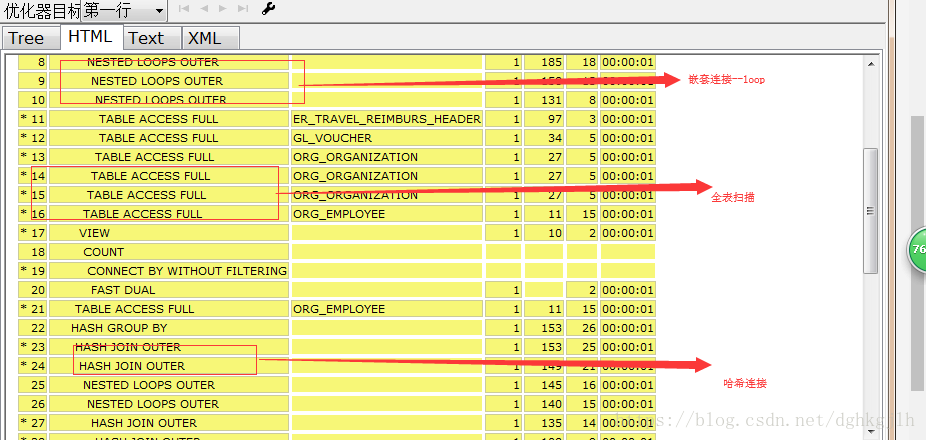
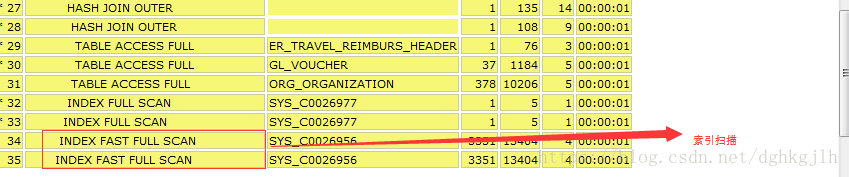
Here are a few database terms:
Press F5 in PL/SQL to display a SQL execution plan. You may see the following terms, as shown in these screenshots: