Table of contents
Open Table of contents
Install Homebrew
Use the Tsinghua University mirror, a mirror option for users in mainland China. Follow the documentation sections Installing Homebrew / Linuxbrew for the First Time and Replacing Existing Repository Upstreams. For more about Homebrew, see this article.
Install Applite
Updated 2024-03-23 : This section previously covered Cakebrew. It seems Cakebrew is no longer maintained, so I now use Applite.
Applite is a graphical client for Homebrew. Once you install a graphical client, you can use it instead of all the command-line installation methods below. Choose whichever approach you prefer.
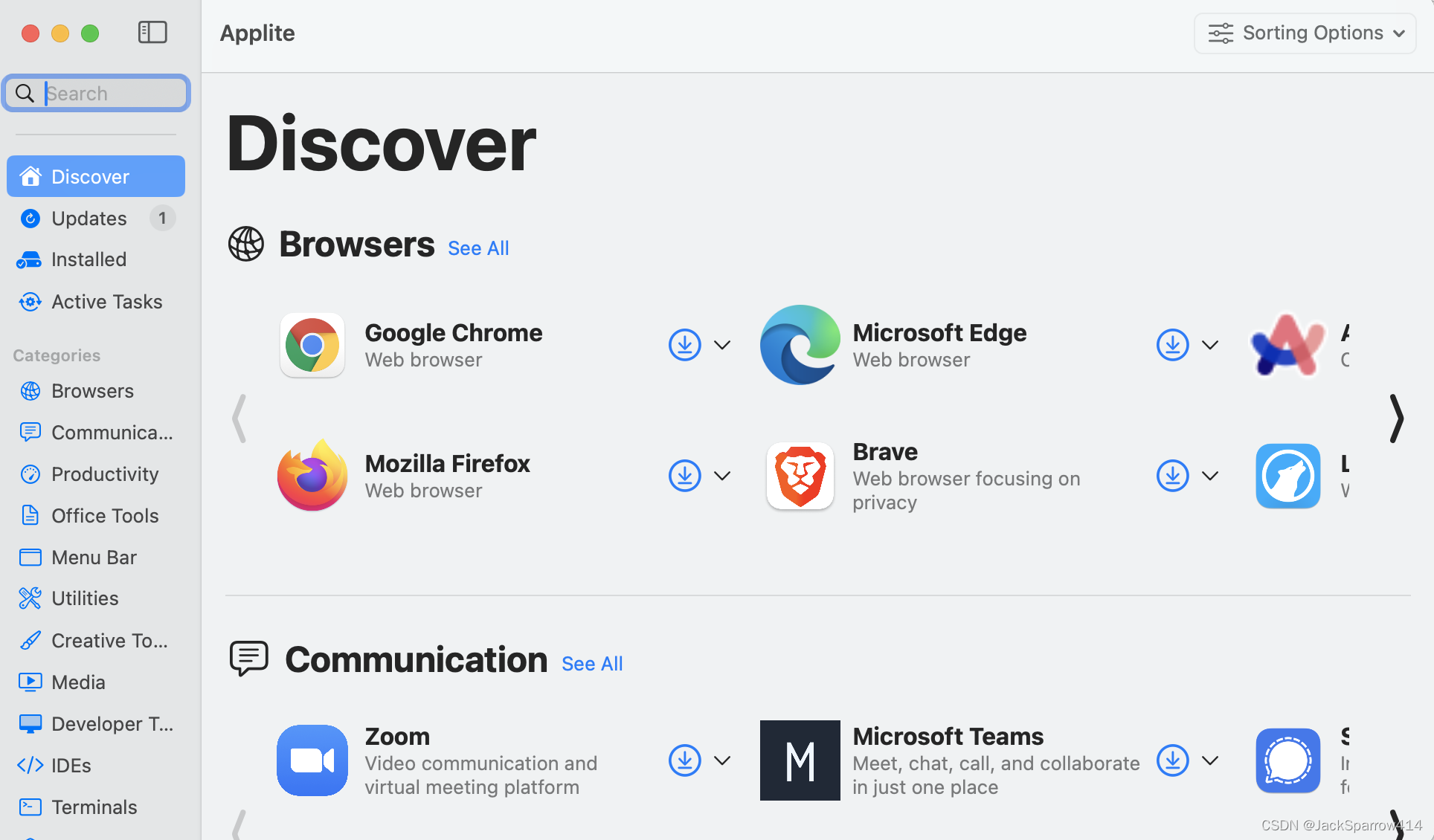
Search for Applite
brew search appliteInstall
brew install appliteVerify the Installation
Check that Applite opens, displays installed software, and can install software.
Install Java
Choosing a Version
- Oracle OpenJDK changed its licensing policy after 8u202 and became paid software, so I chose Adopt OpenJDK.
- Choose JDK 8 or JDK 11.
Search for Adopt OpenJDK
brew search temurinInstall
Homebrew package page Install Eclipse Temurin documentation
# Either form works
brew install --cask temurin8
brew install temurin11
Set Environment Variables
Open a terminal in your user directory, then open .bash_profile.
vim .bash_profileEnter:
# JDK8
export JAVA_HOME=/Library/Java/JavaVirtualMachines/temurin-8.jdk/Contents/Home
# JDK11
export JAVA_HOME=/Library/Java/JavaVirtualMachines/temurin-11.jdk/Contents/Home

export PATH=$JAVA_HOME/bin:$PATH
Save with :wq.
Reload Environment Variables
source ~/.bash_profileIf your local shell uses Oh My Zsh, place the command above and the JAVA_HOME environment variable in .zshrc. Whenever you change .bash_profile, reload Oh My Zsh.
exec zshVerify the Installation
java -version
javac -version
The following output indicates success:
openjdk version "1.8.0_345"
OpenJDK Runtime Environment (Temurin)(build 1.8.0_345-b01)
OpenJDK 64-Bit Server VM (Temurin)(build 25.345-b01, mixed mode)
Install Tomcat
Search for Tomcat
brew search tomcatInstall
brew install tomcatThe dependencies required by Tomcat are downloaded during installation.
Verify the Installation
brew services start tomcatVisit http://localhost:8080 in a browser and check that the Tomcat console appears.
Install NVM and NPM
NVM stands for Node Version Manager. NPM stands for Node Package Manager. I strongly recommend using NVM to manage NPM versions.
Search for NVM
brew search nvmInstall
brew install nvmSet Environment Variables
Add the following configuration to ~/.zshrc:
export NVM_DIR="$HOME/.nvm"
  [ -s "/usr/local/opt/nvm/nvm.sh" ] && \. "/usr/local/opt/nvm/nvm.sh"  # This loads nvm
  [ -s "/usr/local/opt/nvm/etc/bash_completion.d/nvm" ] && \. "/usr/local/opt/nvm/etc/bash_completion.d/nvm"
Verify the Installation
nvm -vInstall NPM Through NVM
nvm install --ltsVerify the NPM Installation
node -vInstall LuaRocks
LuaRocks is a Lua package manager. It also installs Lua by default.
Search for LuaRocks
brew search luarocksInstall
brew install luarocksVerify the Installation
lua -vInstall Maven
Search for Maven
brew search mavenInstall
brew install mavenVerify the Installation
mvn -vInstall PgAdmin4
Search for PgAdmain4
brew search pgadminInstall
brew install pgadmin4Verify the Installation
Check that pgAdmin4 opens and works properly.
Install Keka
Kekais a graphical tool for compressing and extracting archives on macOS.
Search for
brew search kekaInstall Keka
brew install kekaVerify the Installation
Check that Keka starts and extracts files properly.
Install IINA
IINAis a video player for macOS.
Search for
brew search iinaInstall IINA
brew install iinaVerify the Installation
Check that IINA plays audio and video properly.
Install Typora
Typorais a Markdown editor. The latest version is paid software.
Search for
brew search typoraInstall Typora
brew install typoraVerify the Installation
Check that Typora works, then enter your email address and serial number under My License to activate it.
Install Slack
Slackis a team collaboration tool.
Search for
brew search slackInstall Slack
brew install slackVerify the Installation
Check that Slack opens and its features work.