Table of contents
Open Table of contents
Learning RabbitMQ and Spring AMQP (Part 4): JSON Message Bodies
In real applications, messages are usually sent and received as Java objects. This raises two questions: how does the producer send a Java object, and how does the consumer receive one?
Configuring Jackson2JsonMessageConverter
For Java objects, Spring AMQP recommends transmitting JSON rather than sending objects directly.
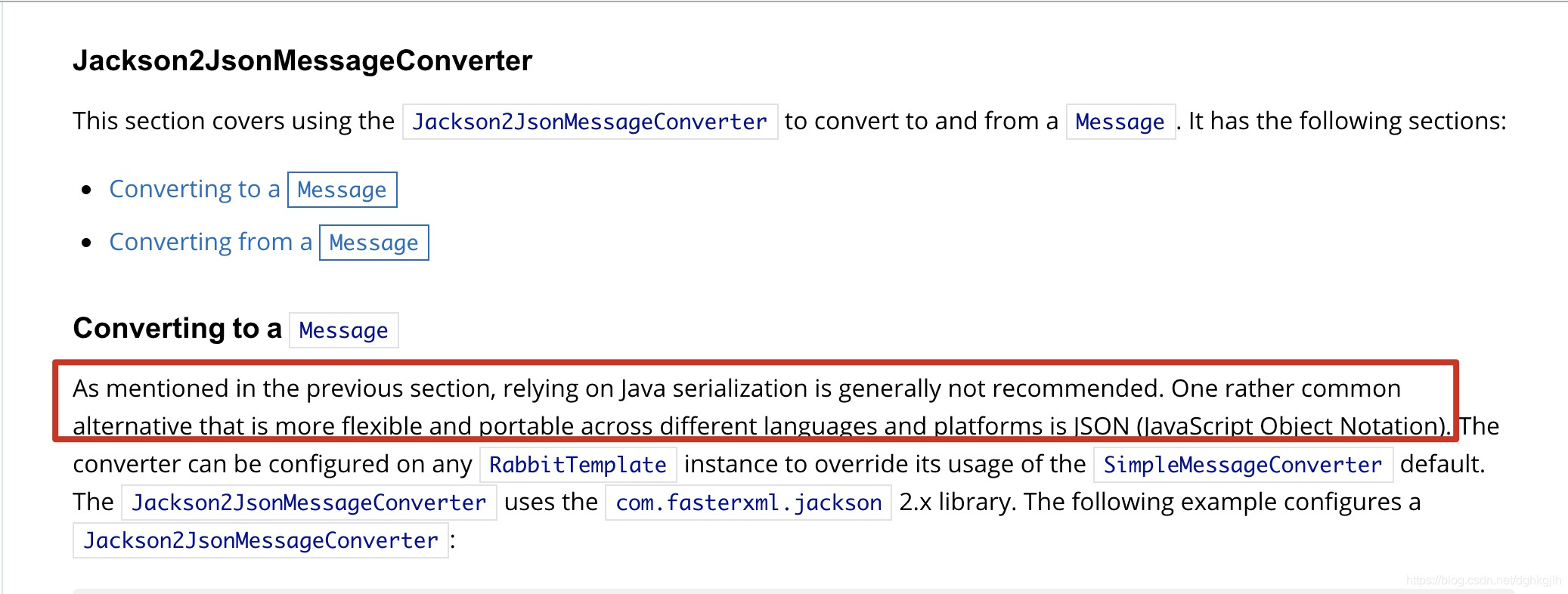
JSON is more lightweight and gives both senders and receivers more flexibility in parsing it.
Producer Configuration
@Bean
    public Jackson2JsonMessageConverter messageConverter() {
        return new Jackson2JsonMessageConverter();
}@Bean
public RabbitTemplate publishConfirmRabbitTemplate() {
RabbitTemplate result = new RabbitTemplate(publishConnectionFactory());
result.setMessageConverter(messageConverter());
result.setBeforePublishPostProcessors(message -> {
// Set the default Content-Type
if (message.getMessageProperties().getContentType() == null) {
message.getMessageProperties().setContentType(MessageProperties.CONTENT_TYPE_TEXT_PLAIN);
}
if (message.getMessageProperties().getTimestamp() == null) {
message.getMessageProperties().setTimestamp(Calendar.getInstance().getTime());
}
return message;
});
......other configuration omitted
}On the producer, set the message converter of the RabbitTemplate used to send messages to Jackson. The RabbitTemplate also uses setBeforePublishPostProcessors, which accepts a functional interface with a Message argument. This lets you perform custom operations before sending. Here, for example, every outgoing message includes the current producer-side timestamp by default.
When sending a message, use Jackson to convert the Java object to bytes for transmission and set Content-Type.
public void sendDirectPoJoMessage() {
        Random random = new Random(100);
        SimpleDirectEntity simpleDirectEntity = new SimpleDirectEntity();
        simpleDirectEntity.setId(random.nextLong());
        simpleDirectEntity.setName("pojo");
        simpleDirectEntity.setSimple(true);
        Message message = MessageUtils.buildPoJoMessage(simpleDirectEntity);
        rabbitTemplate.send(directExchange.getName(), "pojo" , message);
    }
public class MessageUtils {
/**
* Build a message with a string body.
* @param messageStr Message string
* @param contentType contentType
* @return org.springframework.amqp.core.Message Message object
*/
public static Message buildStringMessage(String messageStr, String contentType) {
MessageProperties messageProperties = MessagePropertiesBuilder.newInstance().setContentType(contentType).build();
return new Message(messageStr.getBytes(), messageProperties);
}
/**
* Build a message with a POJO body
* @param messagePoJo
* @param <T>
* @return org.springframework.amqp.core.Message Message object
*/
@SneakyThrows
public static <T> Message buildPoJoMessage(T messagePoJo) {
ObjectMapper objectMapper = new ObjectMapper();
byte[] bytes = objectMapper.writeValueAsBytes(messagePoJo);
return MessageBuilder.withBody(bytes).setContentType(MessageProperties.CONTENT_TYPE_JSON).build();
}
}Use Jackson’s object-to-bytes method directly and set ContentType to application/json.
Consumer Configuration
@Bean
    public SimpleRabbitListenerContainerFactory rabbitListenerContainerFactory() {
        SimpleRabbitListenerContainerFactory result = new SimpleRabbitListenerContainerFactory();
        result.setConnectionFactory(connectionFactory());
        result.setPrefetchCount(2);
        result.setMessageConverter(new Jackson2JsonMessageConverter());
        return result;
    }
Why configure this in SimpleRabbitListenerContainerFactory? As discussed in an earlier article, every @RabbitListener has a SimpleMessageListenerContainer, created by SimpleRabbitListenerContainerFactory.createContainerInstance.
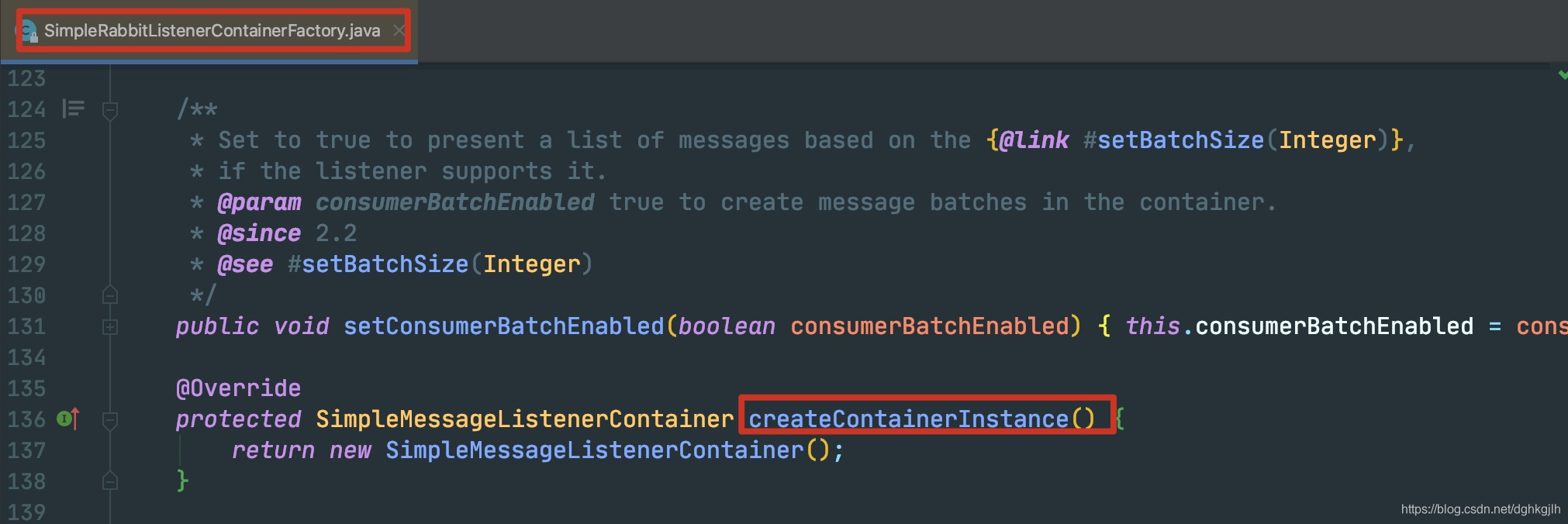
In other words, when each container instance is created, its message converter is set to Jackson’s converter.
Receiving JSON on the Consumer
The producer sends a JSON string. How can the consumer automatically convert it into the corresponding Java entity?
Spring AMQP provides @Payload
    @RabbitListener(queues = "${queue.direct.pojo}" )
    @RabbitHandler
    public void receiveSimplePoJoQueueMessage(@Payload SimpleDirectEntity simpleDirectEntity) {
        log.info("Received POJO: {}", simpleDirectEntity);
    }
We no longer need to read the bytes from Message.body, convert them to a JSON string, and then convert that to a Java object. The @Payload annotation handles that work for us.